

Contract Management
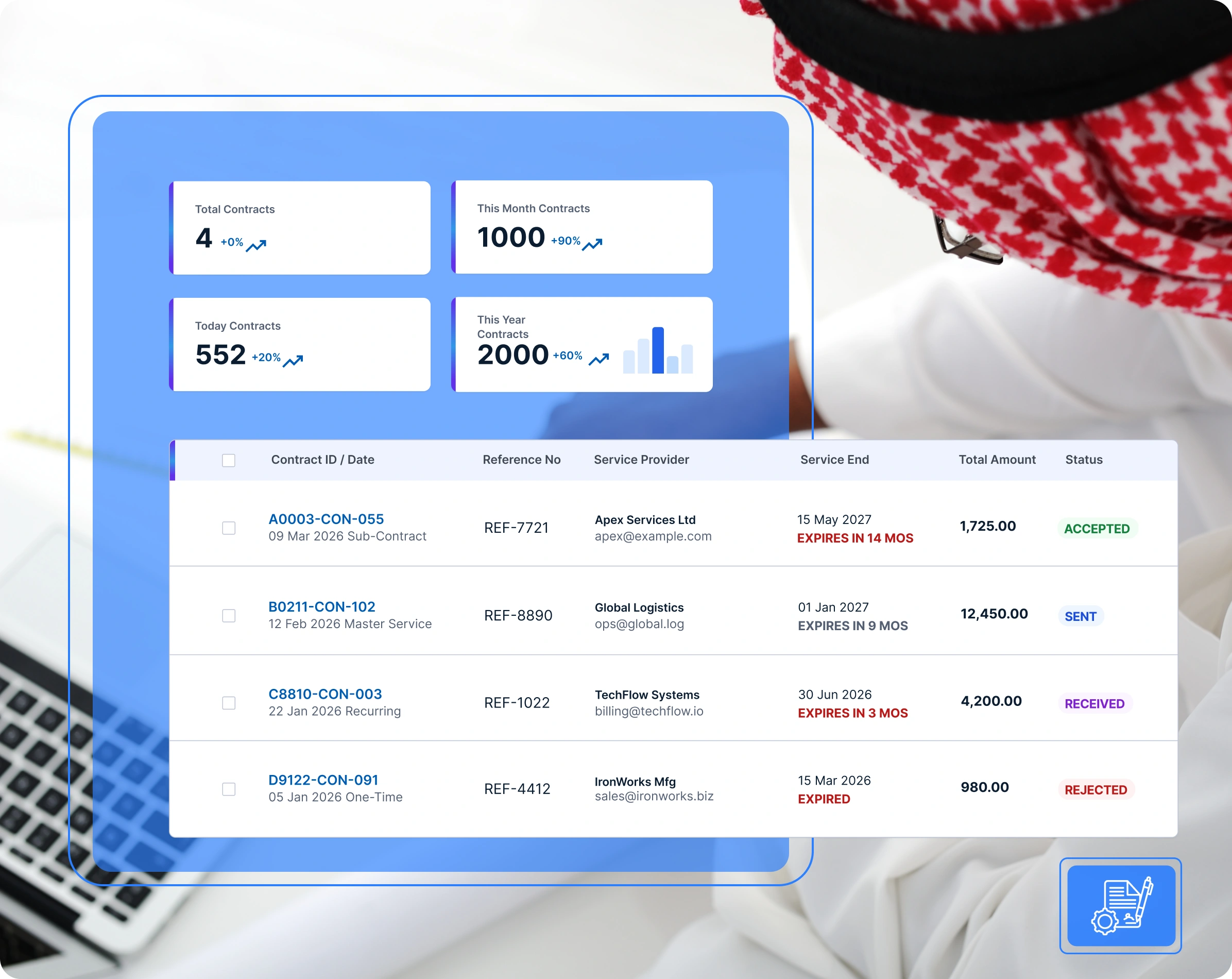
Contract Management enables buyers to efficiently create, manage, and track contracts and Master Service Agreements (MSAs) with service providers. It supports electronic exchange, transparency, and milestone compliance.
📝 How to Create a Contract
- Click Create Contract on the contract listing page.
- Select Service Provider Network and Provider Name.
- Set Contract Title and Contract Type (Lump sum, Unit price).
- Specify Start Date & End Date.
- Enter Contract Details, Scope of Work, Deliverables, and Performance Requirements.
- Set Payment Mode (Advance, Milestone payment) and Total Contract Value.
- Enter Local Content % and value if applicable.
- Attach drawings/specifications & click Submit Contract.
📝 Managing Contracts on Jazalla
- Contract Details Page: Direct collaboration with service providers via file uploads, notes, and comments.
- Project Management Module Integration: For contracts linked to project milestones, once the service provider creates a project linked to the contract, the buyer gains access as Project Owner to monitor activities, track Gantt progress, and review milestone completion.