

Employee Management
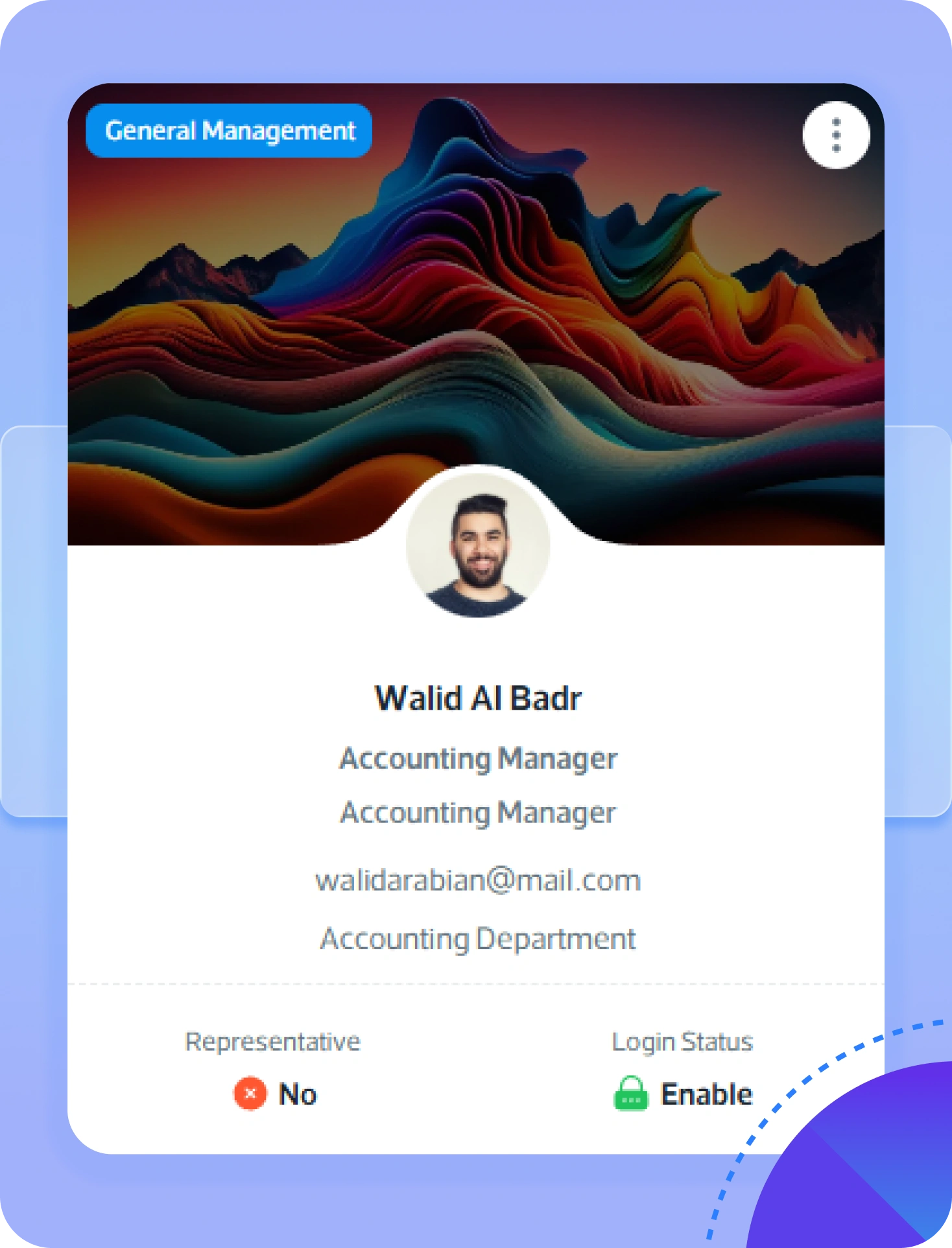
Transform your HR operations with Jazalla’s Employee Management Function — an all-in-one solution designed to simplify and centralize employee administration. Effortlessly manage every stage of the employee lifecycle, from recruitment to retirement, through a single intuitive platform.
✅ Accessing Employee Management
- Log in to your Jazalla account.
- From the left sidebar, click HR Management > Employee Management.
📋 Exploring Employee Management Listings
- Listing Display: Employee ID, Full Name, Department, Designation, Nationality (Saudi or Expat), Last Login timestamp.
- Action Buttons: View Details, Edit Record, Delete Record.
📝 How to Onboard an Employee (Add Employee)
- Click + Add Employee at the top-right corner of the listing page.
- Personal Details: First & Last Name, Email, Phone, National ID / Iqama number, Date of Birth, Nationality, Gender, Residential Address.
- Company Details: Auto-generated Employee ID, Department & Job Title, System Role (e.g. Procurement Manager), Date of Joining, Work Location (Office vs Project Site).
- Document Uploads: Educational Certificate, Resume / CV.
- Bank Account Details: Account Holder Name, Bank Name, IBAN Number, Branch Location.
- Click Save to register employee.
Key Onboarding Points:
- Newly added employees have system login access disabled by default. Authorized admins enable login via Access Management.
- Employees receive an email invitation to set up password credentials securely.
- Upon login, employees access their personal panel for dashboard, marketplace, attendance, payslips, leave, and events.
- Module permissions can be expanded later by administrators (e.g. upgrading access to include Procurement Management).