

Bid Management
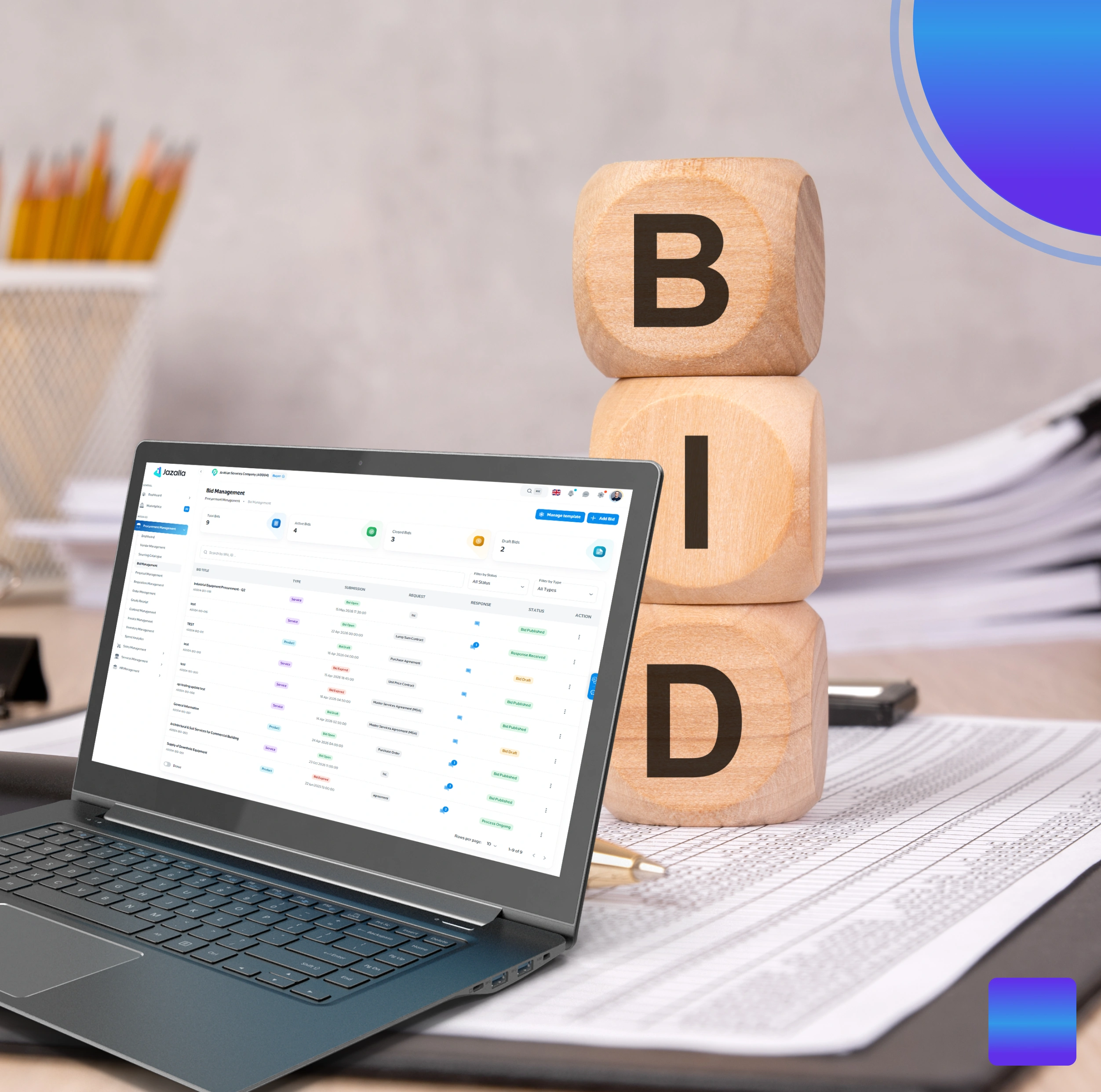
Bid Management allows companies to securely publish bids to selected suppliers or service providers. It ensures transparency and fairness in the bidding process by keeping bids sealed until the designated opening time.
✅ Accessing Bid Management
- Log in to your Jazalla account.
- From the left sidebar, click Procurement Management > Bid Management.
Note: Ensure you have configured a Bid Instruction Template prior to bid creation to maintain consistency.
📝 How to Create a Bid
- Navigate to Bid Management and click + Add New.
- General Information: Enter Bid Title (e.g., "Office Renovation – Electrical Works"), Optional Project Title link, Bid End Date & Time, and Bid Description (specs, quantities, warranty).
- Product or Service Selection:
- Product Bid Type: UNSPSC Product Classification, Product Title, QTY & Unit, Description, Payment Mode, Delivery Mode (EX-Work, DAP), and Purchase Type (PO vs Purchase Agreement).
- Service Bid Type: UNSPSC Service Classification, Service Title, Duration & Unit (e.g., 6 Months), Scope of Work, Payment Terms, Work Location, Contract Type, and Required Documents.
- Supplier / Service Provider Selection: Target participants from Global Network or Corporate Network.
- Bid Instructions: Attach pre-created instruction templates. Multiple items can be added under one bid.
✅ Steps to Manage Bids
- Sealed Bids Rule: Before bid expiration, the creator cannot view responses or edit details; bidders can post clarification questions in Bid Details.
- Price Comparison Filter: Upon expiration, review received bids in the Bid Response List using side-by-side price comparison filters.
- Order / Contract Generation: Accepting a Product Bid generates a draft Order; accepting a Service Bid generates a draft Contract. Real-time notifications alert all parties.